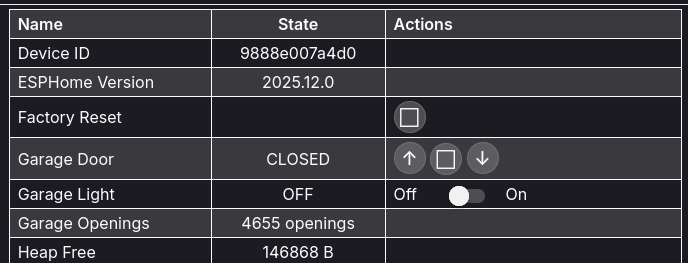
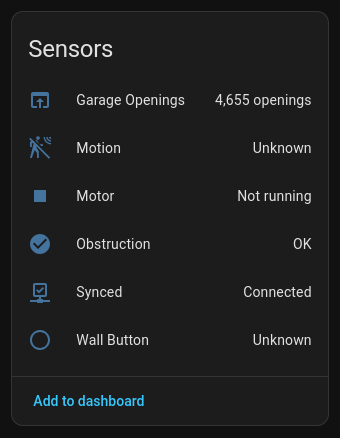
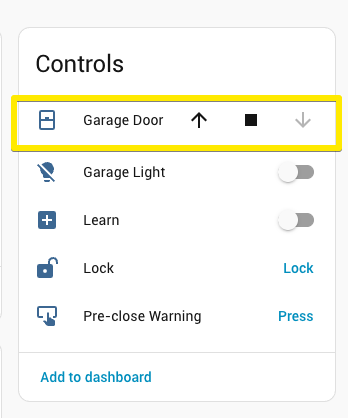
Just installed a blaQ door opener. A few teething problems with getting the wiring correct for an Australian door opener but the answers were in a thread here. So I am now seeing the opener in home assistant and I can open and close the door and toggle light on and off from the Home Assistant UI.
My remaining challenge is I want a Home Assistant sensor that holds the door open/closed state as a value. The web page for the blaQ certainly has a value for that status.
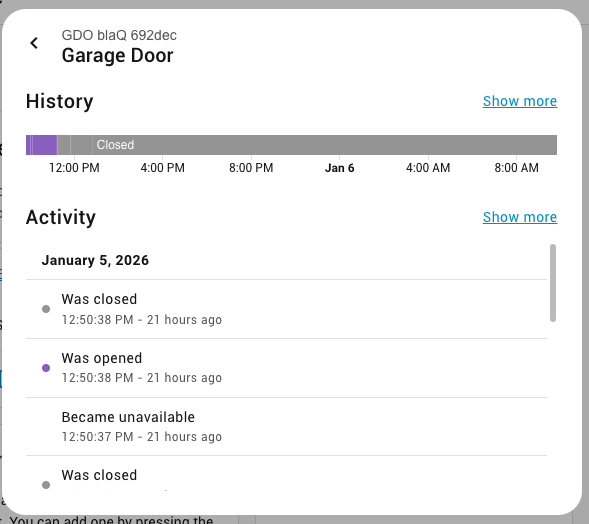
The garage door state is represented as a cover entity in Home Assistant. It’s more than just an open/closed sensor because it has intermediary states like opening and closing as well as controls: open, close, stop, and toggle.
If you need a binary sensor entity that represents only open and closed then you can create a template binary sensor based off of the cover state. See:
I appreciate you taking the time to explain that. First time coming across a cover entity in HA. My thinking around a binary state was reflective of past experiences with switches and lighting rather than a real requirement.
Really happy to now have control of the garage door in Home Assistant.