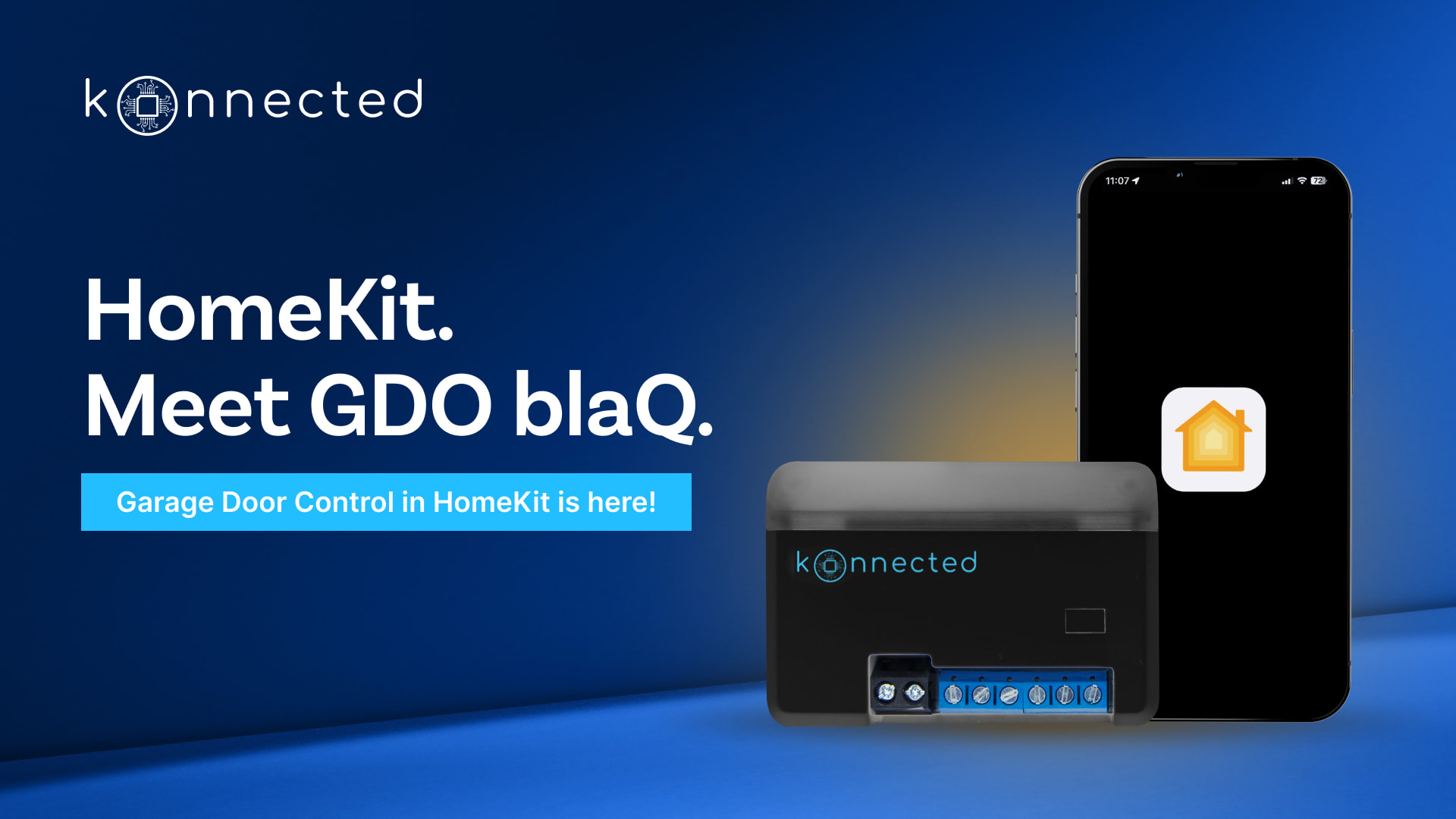
I’m excited to share something we’ve been working on for our Apple Home users: native HomeKit firmware for the GDO blaQ!
What is it?
This is an experimental alternative firmware that enables your GDO blaQ to connect directly to Apple Home (HomeKit) without any third-party intermediaries, bridges, or cloud services. That’s right—your garage opener talks straight to HomeKit, giving you full access to the Apple Home ecosystem including Siri, automations, and remote access through your HomePod or Apple TV.
Why is this awesome?
For those of you who are all-in on the Apple ecosystem, this means:
No additional hubs or bridges needed
No cloud dependencies beyond Apple Home
Direct, local communication with your Apple Home setup
Full Siri integration (“Hey Siri, close the garage door!”)
Native Apple Home automations and scenes
Works seamlessly with your other HomeKit accessories
This is all about giving you choice in how you integrate your garage opener. We’re on a mission to make every garage open, accessible, and compliant—and that means supporting the platforms and ecosystems that matter to you!
A Huge Thank You!
This firmware was originally adapted by @thenewwazoo on GitHub, one of the original authors of the HomeKit firmware for Ratgdo. Their incredible work made this possible, and we’re grateful for their contributions to the community! We’ve now taken over the development of this firmware internally (thanks @Ryan_P) and are maintaining it open-source here: konnected-io/gdo-blaq-homekit
Important Notes
Since this is an experimental alternative firmware, keep in mind:
Not all features and customizations available in our standard GDO blaQ firmware are available yet
This is specifically for users who want direct Apple Home integration
You can always flash back to the standard firmware if you need full feature support
Get Started!
Ready to try it out? Check out the GitHub repository and our Knowledge Base article for installation instructions:
Thanks for releasing this! Unfortunately this isn’t working for me yet.
I managed to flash the firmware successfully, add the device via the Home App, and can see it, however i get no response for the device in the app after toggling the door switch (sits on closing… or opening…).
Nothing happens when I switch on the light either (switch briefly flicks to all on in the app, then off again).
I should add that I’ve tried resetting the device and have tried the process again, and have restarted multiple times. Both the iOS device and GDO are within a few metres of the router.
I am trying to add the GDO blaQ to HomeKit.open HK app, I enter the HomeKit code, even get the notice to add the module and the bridge never adds. The connecting message Bridge This may take a few minutes is displayed. Usually with HomeKit devices when this happens I restart HK and the process works.
Just curious, what is it about Chrome that allows it to work where others don’t? What about a Chromium based browser like Vivaldi? From what I understand it’s Chrome without all the Google garbage.
The version of the firmware or the experimental status has nothing to do with it. The web-based flash tool is only the delivery mechanism that is convenient for most people. You don’t have to use it, you can also flash the firmware with command line tools. Or borrow someone else’s computer to flash the firmware. Once the device is flashed, you don’t need to use Chrome.
If that’s the case then Vivaldi or Brave must have it. I’ve never used command line to apply anything, but I did have to use the web tool to initially set up both of mine.
Thank you for this! What does the firmware update process look like once this is installed? Will the Konnected app work or will we have to connect a USB cable each time?
Blaq with HomeKit version 1.1 is connected to Asus Merlin latest in access point mode. Main network is T-Mobile 5GAR gateway where DHCP server is running. Asus is connected to T-Mobile via Ethernet. WiFi used by Blaq has SSID with only 2.4GHz.
Issue, every few days the Blaq goes offline. I see no attempts by the Blaq to reestablish connection. As a test I restarted the gateway the Blaq does not reconnect.
When I power cycle the Blaq it reconnects immediately. The status in HomeKit is opening although the door is closed and not moving. I toggle the switch in HomeKit to closed and status changes to closed immediately. The opener will operate normally until it once again looses its connection.
Is this to be expected with this beta version?
Is there a place to see current open issues? GitHub site does not show an issues field
When connected to HomeKit should the webpage in the Blaq be accessible?
1.1 has been working well for me. No connectivity issues. The only thing I have noticed is that the status of the door’s position is not updating. The door will be closed, but showing in the open position within the Home app.
I had to power cycle my network and took it offline for a couple of hours while I cleaned up my wiring nightmare. When I powered everything back up, it blaqQ appears to connect okay, but I started to notice that when the keypad motion was detected I would get an unlocked notification. That was weird because I had never seen that before, nor did I know that was even a thing with my garage door. Then when attempting to operate the door, it will say closing/opening but nothing happens. I’m at the point where even a power cycle of the blaqQ makes no change. Looks like I’m going to have to re-install the firmware and start over.
I see there hasn’t been much in terms of development for the HomeKit firmware, is this going to be officially supported?
Hello, also really struggling with GDO Blaq dropping off the network every few days and requiring a restart before it comes back online.
It is on a dedicated 2.4 network with strong signal and works well in the first few days before dropping off. A network reboot isn’t bringing it online, only returns after a restart of the blaq itself.
I just purchased my GDO BlaQ this past week because I needed an easy solution that would allow my 12 year old son to open our Liftmaster/smart garage door with his iWatch SE. We dont want to hand a smartphone to our son just yet. so being able to open it with Siri /iwatch is great! Everyone knows the limitations of MyQ; and how you cant share it very easily. Originally installed it with default firmware which worked fine; but after flashing it with Apple Native Home Kit, my son and I can control the garage with our iWatches and my wife can continue to use the MyQ app. The wiring was straight forward; and the Liftmaster wall button just hitches a ride on the Konnected. Thank you for making this work! so much easier than having to setup HA or smartthings hub. Thank you!
new install and was able to get GDO BlaQ fully working with Apple Home. I have the same questions as a few users above. After flashing should I be able to use the Konnected app? I tried adding by IP and it doesn’t add the device. Also, when I go to the IP on a browser it just shows “Nothing matches the given URI”. I’m looking to configure the extra inputs as relay triggers so that I can connect a Unifi Door Hub.

 No additional hubs or bridges needed


