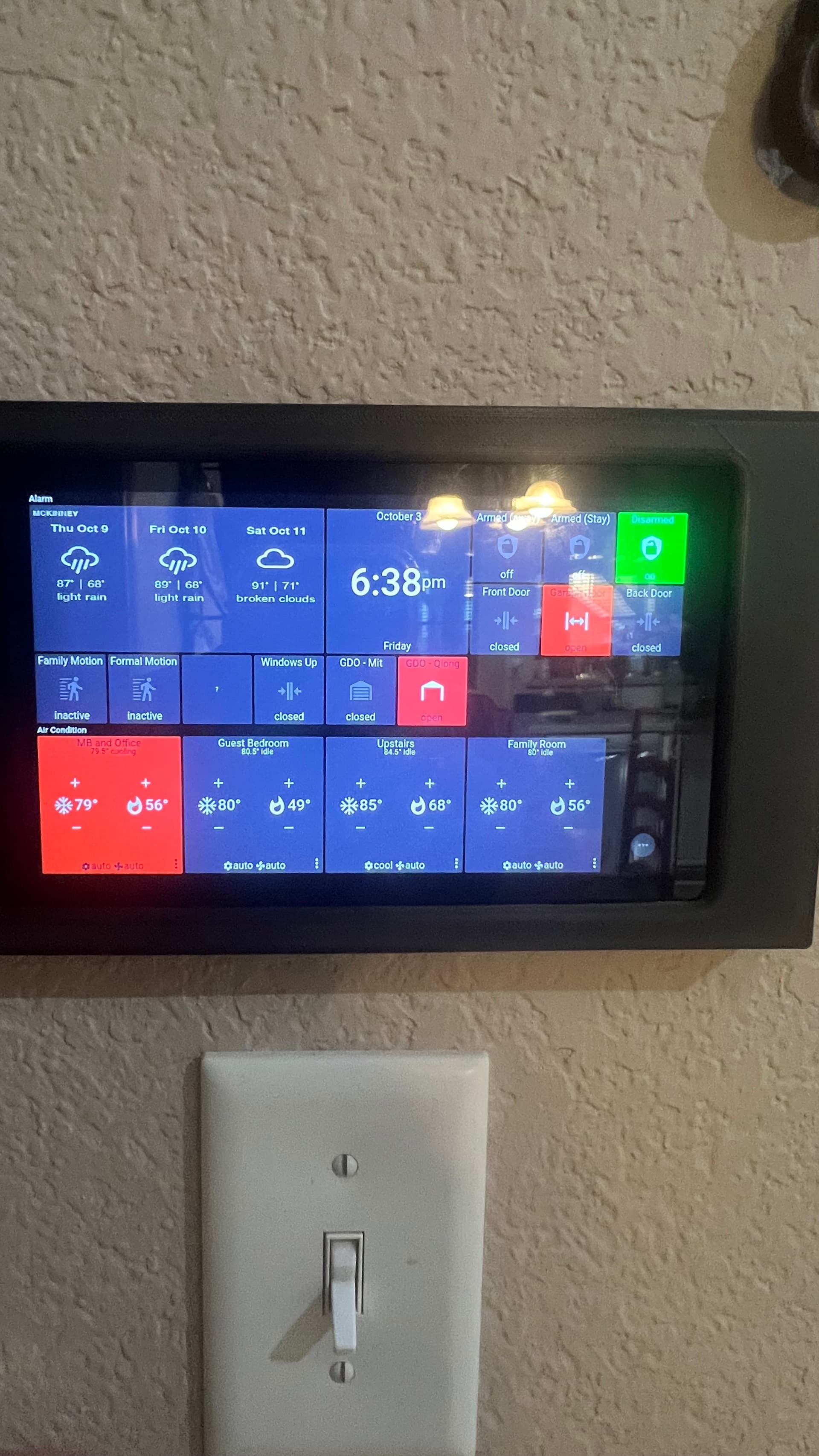
I am using 1 GDO White and 1 GDO Black. This post is specific to the GDO White tile in Fully Kiosk.
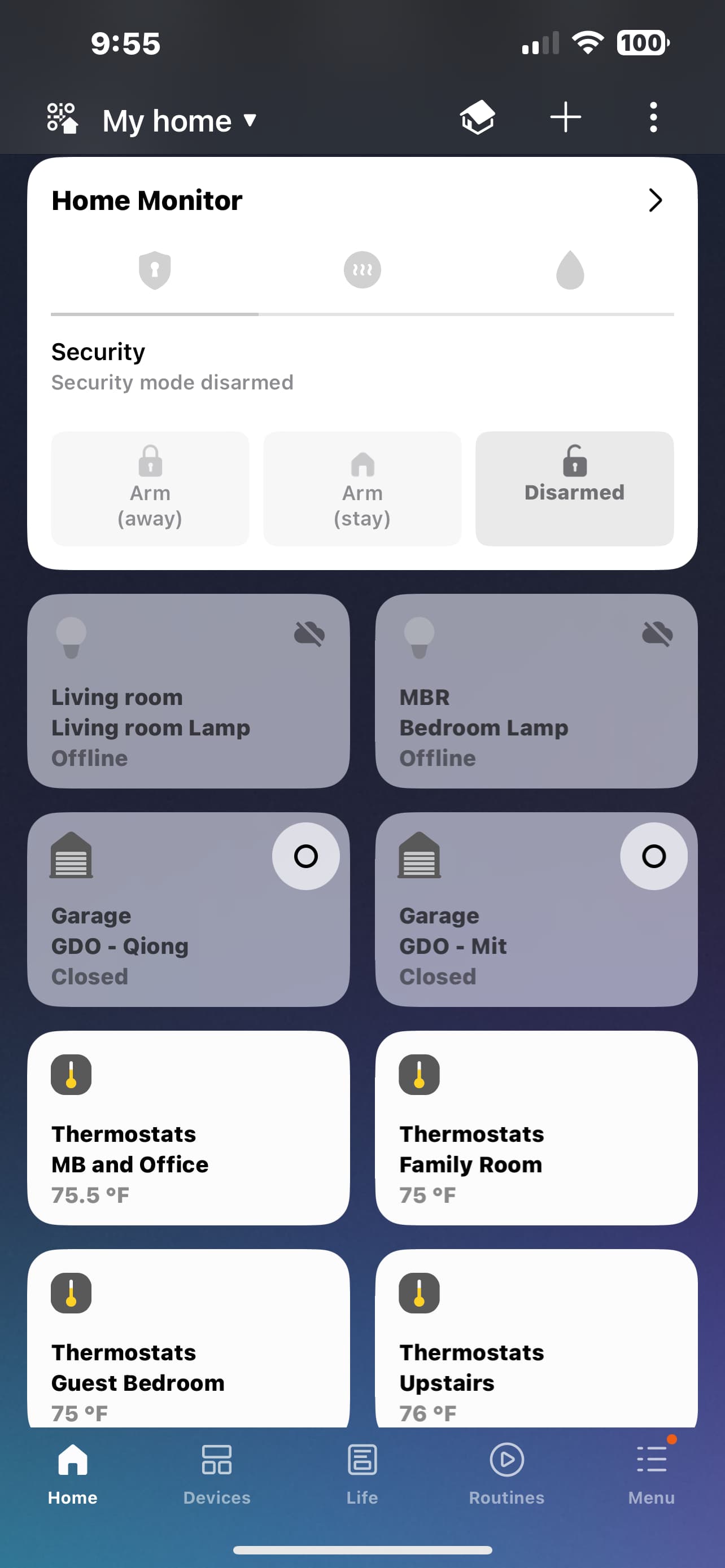
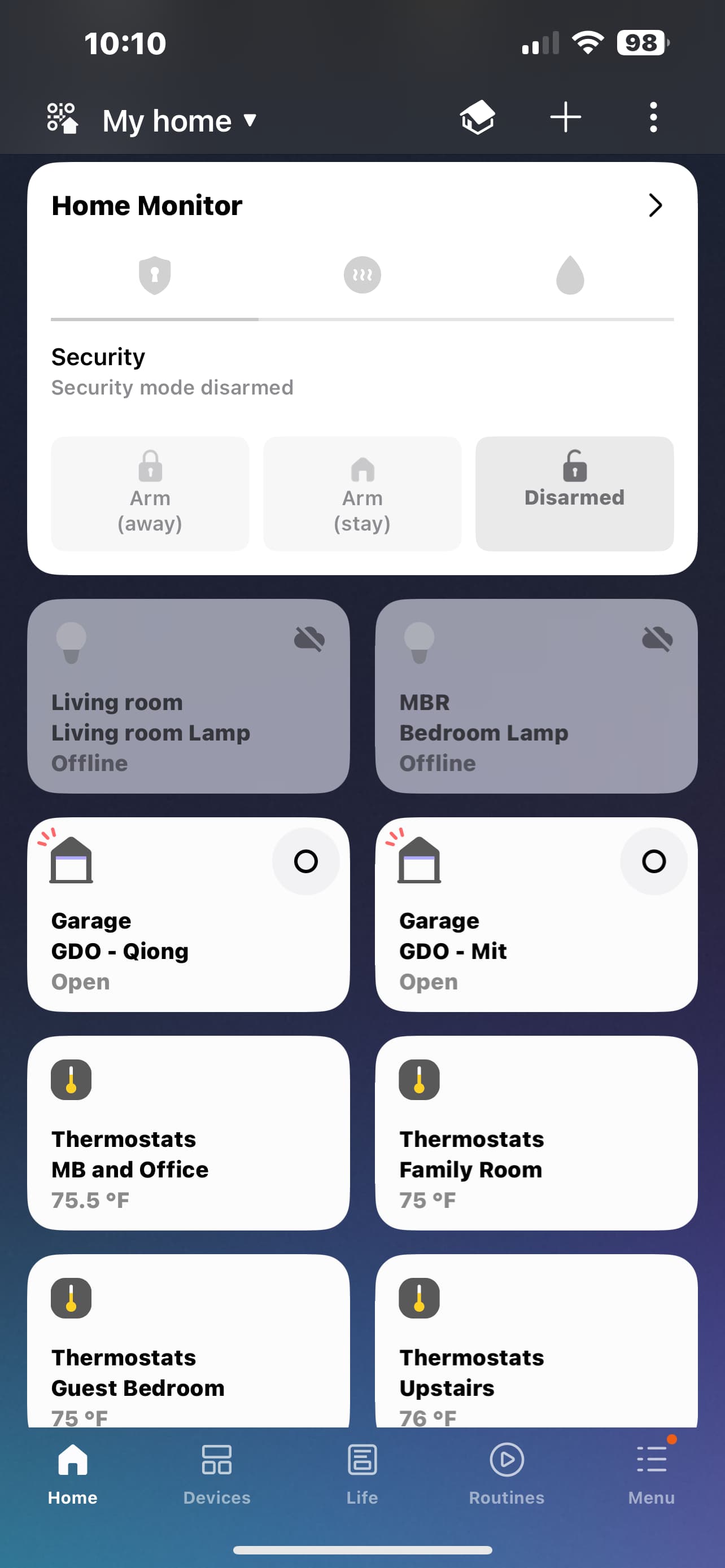
I use smart things for controlling my alarm and device devices from my phone. I use fully kiosk on to Amazon Fire Tablets mounted in the house. The GDO White tile (“GDO Qiong” in the screenshots) functions perfectly in SmartThings (correct status “Open”/“Closed” and click to initiate open/close).
In Fully Kiosk, the status is not correct. Clicking the tile will not initiate open/close even though tile icon changes to reflect “opening” or “closing”. The status does not reflect the correct state (“Open”/“Closed”). It stays in the open state on the tile no matter what.
Chamberlain GDO. Purchased the GDO White in 9/2025. ESP VERSION 2025.8.4 And Konnected Project Version 1.4.1.1
fully kiosk version 6.22.17 2024-07-16[Prod]
can anyone help T/S and resolve?
Similar behavior with GDO black but that will be another discussion/Post