Hey everyone!
The last time I posted a firmware update here was v1.5.0, back in August 2025. Since then we’ve shipped a long list of updates to the GDO blaQ without saying much about them, so this post is a big catch-up. Firmware 1.7.0 is out now, and here’s a rundown of everything that’s changed since 1.5.0.
 A new dashboard built right into your GDO blaQ
This is the one I’ve been most excited about. Type your GDO blaQ’s IP address into a web browser on your home network and you’ll get a brand-new Konnected dashboard instead of the bare-bones ESPHome page. It shows your door with its live position, so you can watch it open and close. You also get light and lock controls, plus status tiles for the safety beam, motor, wall button, sync status and how many times the door has opened. Settings and a live log are tucked away underneath for when you need them.
You can also update the firmware right from this page, with a progress bar, if you ever need to flash a file by hand. And because the dashboard itself loads from AWS, we can fix and improve it without you having to update anything.
 Fewer “stuck” states
A lot of the work this year went into the GDO blaQ always showing what your door is actually doing. The highlights:
-
The safety beam (obstruction sensor) is fast and reliable now. It reports the instant the beam is broken, even for a quick wave of your hand, and clears properly afterward. Before, it could stay stuck on “obstructed” until you rebooted.
-
Wall button and remote changes no longer go missing. After the opener sat idle for a few hours, the GDO blaQ could stop noticing when someone used the wall button or a remote, even though it still showed as connected. That’s fixed.
-
The door no longer gets stuck on “Closing”. If your opener refuses to close, for example because something is blocking the safety beam, the GDO blaQ now goes back to the door’s real state after 10 seconds instead of showing “Closing” until a reboot.
-
The GDO blaQ now knows when your opener goes offline. If the opener loses power or the wire comes loose, the GDO blaQ now notices within about 5 minutes. It shows as disconnected instead of showing an old door state, then reconnects on its own when the opener comes back. (Security+ 2.0 openers.)
-
No more crashes with the dashboard open. A recent ESPHome update caused the GDO blaQ to crash and restart when the door moved while the new dashboard was open. 1.7.0 fixes it.
 Opening to a specific position
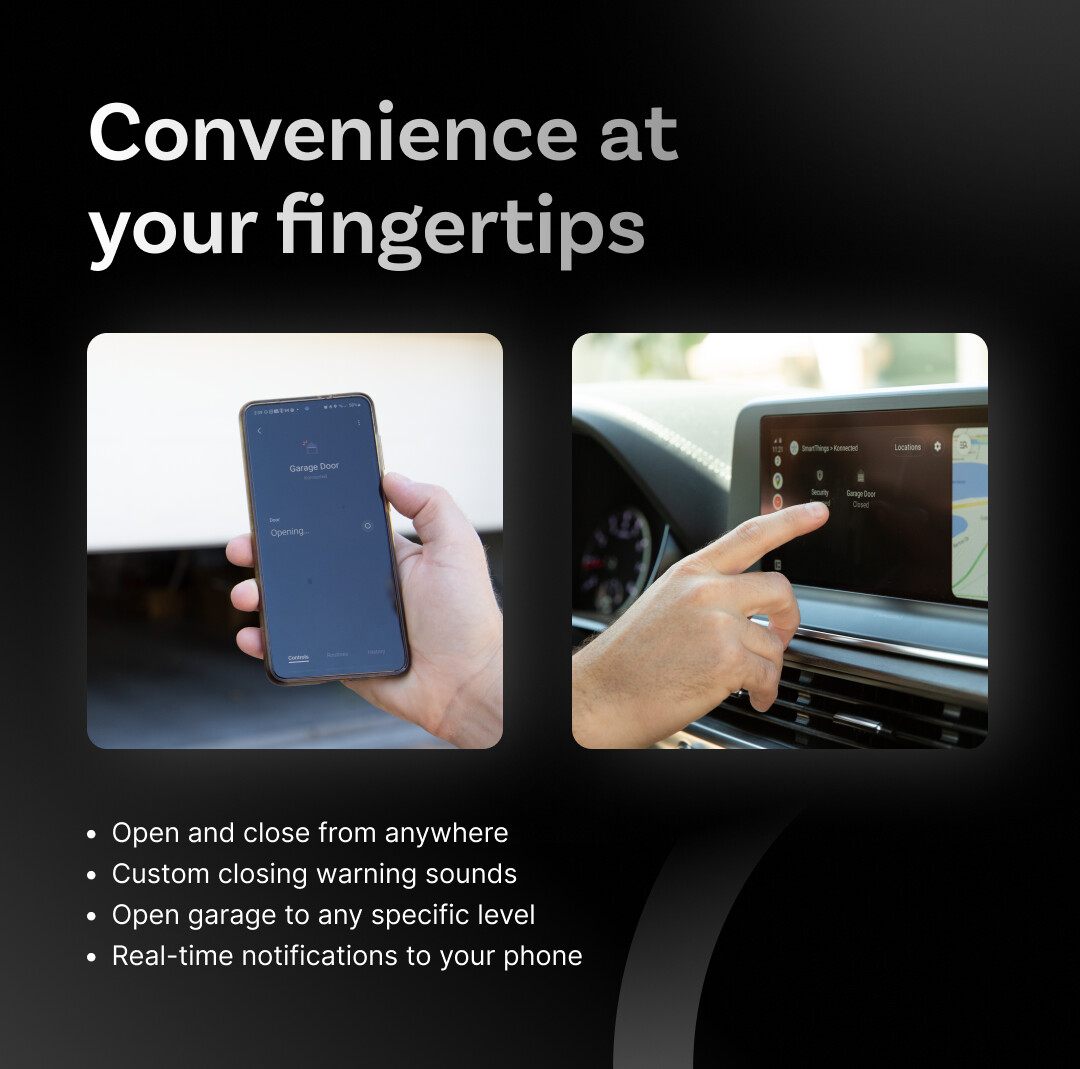
You can open the GDO blaQ to a specific position, like 20% open to let the dog out or air out the garage. That works more reliably now in both directions. In 1.7.0 it also works properly on wall-mounted (jackshaft) openers. Some of these ignore the “stop” command while closing, so a “close to 20%” would just run all the way down. Now the door goes slightly past the target, then reverses back up and stops right where you asked.
Also, pressing toggle while the door is moving now stops it, the way the wall button would.
 Safety updates
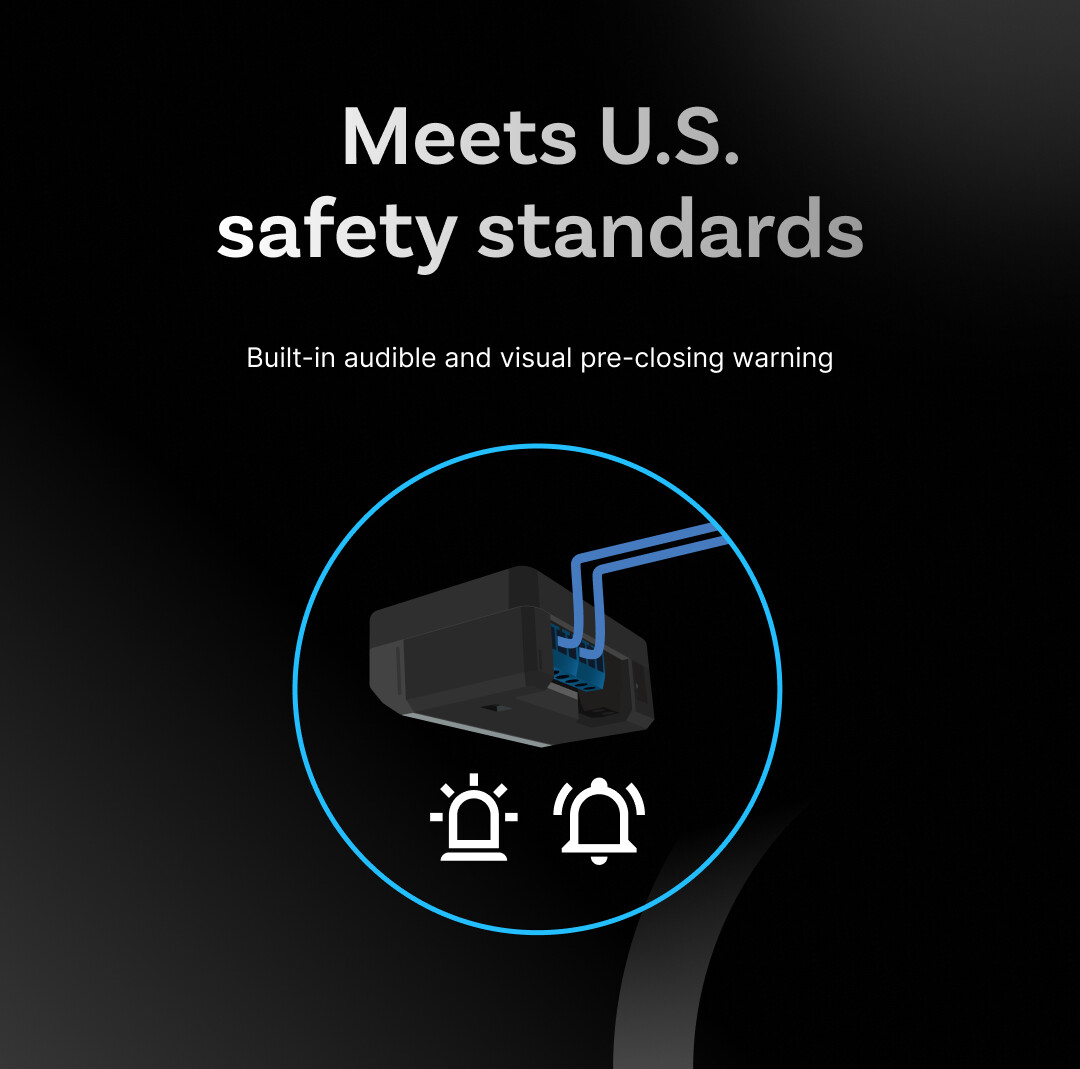
We updated how the pre-close warning works so the GDO blaQ meets the UL 325 safety standard for automatic garage door openers:
-
The audible warning before a remote close now plays for a full 5 seconds.
-
Pressing any button or control during the warning cancels the close. If someone hits the wall button because they see the door about to come down, the door stays put.
-
The warning sound stops as soon as the door starts closing, instead of beeping the whole way down.
 Better with older openers and wall panels
-
Smart wall panels (like the LiftMaster 889LM) no longer reset after door operations on Security+ 1.0 openers.
-
The wall button no longer gets stuck on “Pressed” on Security+ 1.0 openers.
-
No more phantom motion events on Security+ 1.0 openers, which don’t have a motion sensor at all.
-
Fewer wall panel disconnects, especially with the 882LM digital wall panel.
-
Re-sync generates a connection ID your opener will accept. If you ever pressed Re-sync and then found your opener ignoring commands, this was why.
 Under the hood
We’ve kept the GDO blaQ current with the latest ESPHome releases, which brings performance improvements. The logs are a lot less chatty by default, which Hubitat users asked for. And there’s a pile of smaller fixes I won’t bore you with. All the details are in the release notes on GitHub.
 How to update
Update from the Konnected app. I’d recommend getting the Konnected app 1.7.0 first, since it’s much better at confirming that a firmware update actually finished. If you manage your own config with ESPHome Builder, you can update from there. Source code and firmware files are on the GitHub release page, which you can also download directly and then upload to the device on it’s internal web page.
 Thank you
So much of this came straight from your reports in this community and on GitHub. A special thanks to johnmonarch for tracking down the Re-sync problem, nbadal for in-browser firmware updates, @Simondotau for finding and fixing a packet fragmentation issue, shawnz for the detailed crash report, bdraco from the ESPHome team for pointing us to the right fix for it, and h2zero (@Ryan_P) for a ton of the work on the garage door communication behind the scenes.
As always, if something’s off, post it here. Keep the feedback coming!