Anyone else having issues adding a separate Open/Close Sensor on the blaQ?
Anytime I try to the firmware build fails. I choose Open/Close Sensor for Extra #2, Name I enter “Garage Door Sensor”, Sensor Type is Door, and I DO NOT toggle on Inverted.
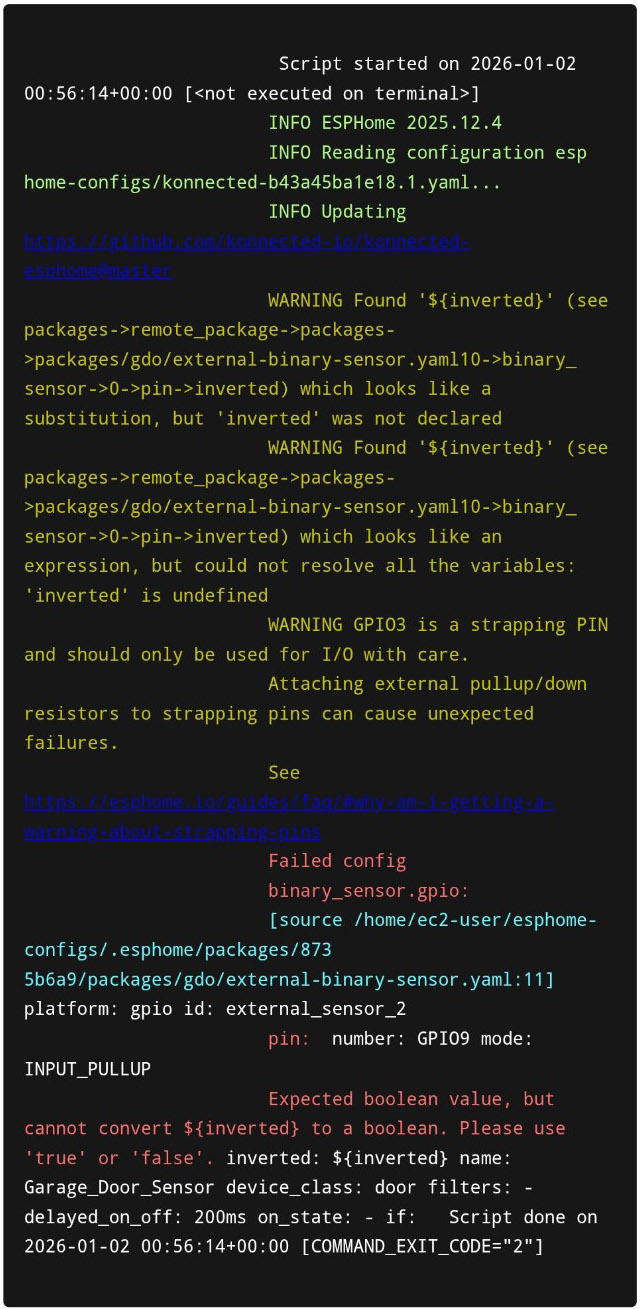
Below is what I see in the logs, seems like the variable inverted is not defined. Also that warning about GPIO3 strapping pin, not sure if that is anything to worry about yet.
Thanks for prompt reply but sorry, no joy. Error log from email below.
Script started on 2026-01-12 23:39:08+00:00 []
INFO ESPHome 2025.12.5
INFO Reading configuration esphome-configs/konnected-b43a45b5b038.3.yaml…
INFO Updating https://github.com/konnected-io/konnected-esphome@master
WARNING Found ‘${inverted}’ (see packages->remote_package->packages->packages/gdo/external-binary-sensor.yaml9->binary_sensor->0->pin->inverted) which looks like a substitution, but ‘inverted’ was not declared
WARNING Found ‘${inverted}’ (see packages->remote_package->packages->packages/gdo/external-binary-sensor.yaml9->binary_sensor->0->pin->inverted) which looks like an expression, but could not resolve all the variables: ‘inverted’ is undefined
WARNING GPIO3 is a strapping PIN and should only be used for I/O with care.
Attaching external pullup/down resistors to strapping pins can cause unexpected failures.
See Frequently Asked Questions - ESPHome - Smart Home Made Simple
Failed config
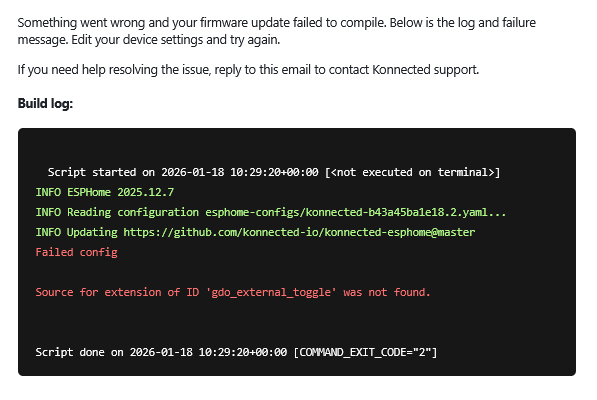
Unfortunately, it did not work for me. I got the following email. This time it seemed to fail on the Door Toggle Relay I have set for Extra #1. Mind you, that was working before.
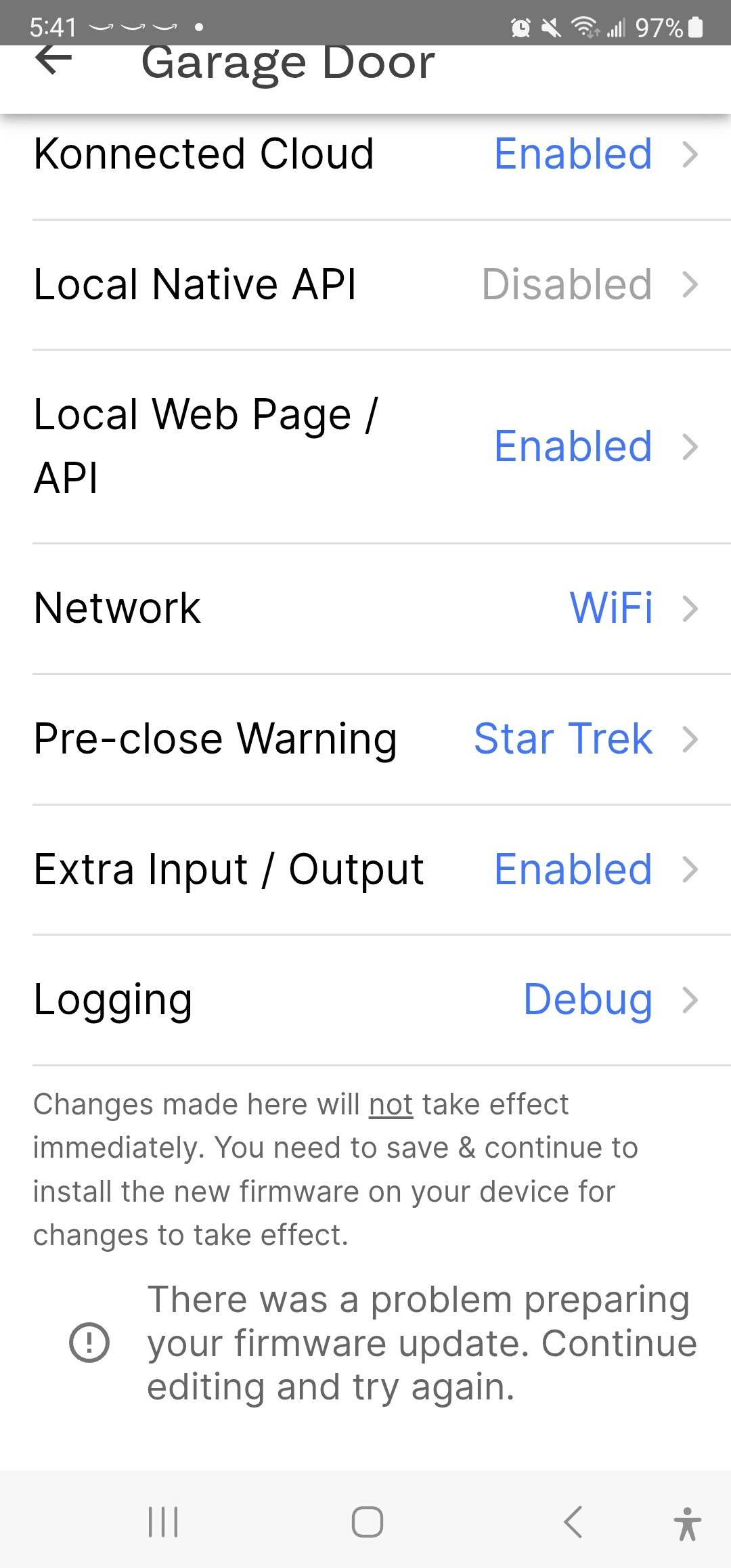
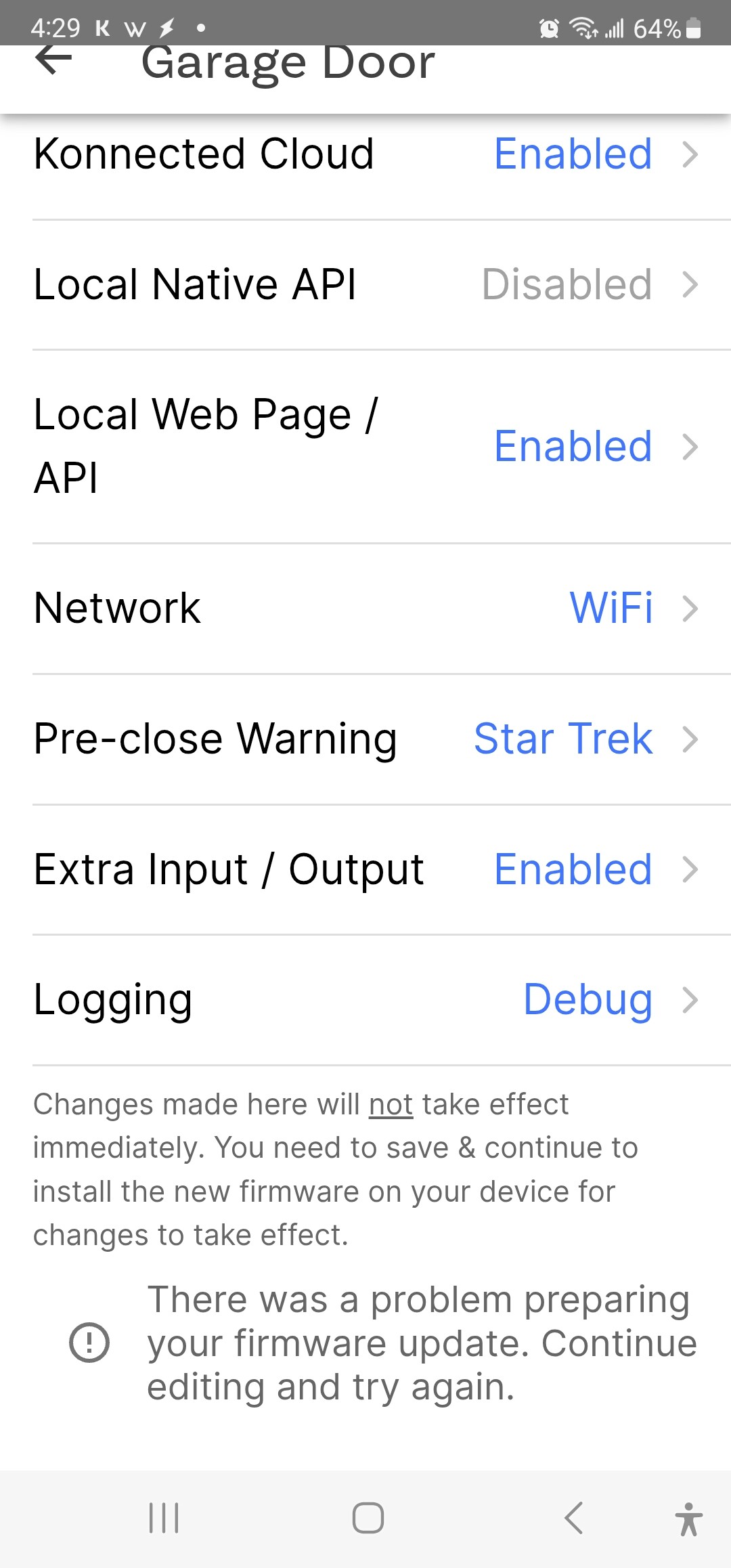
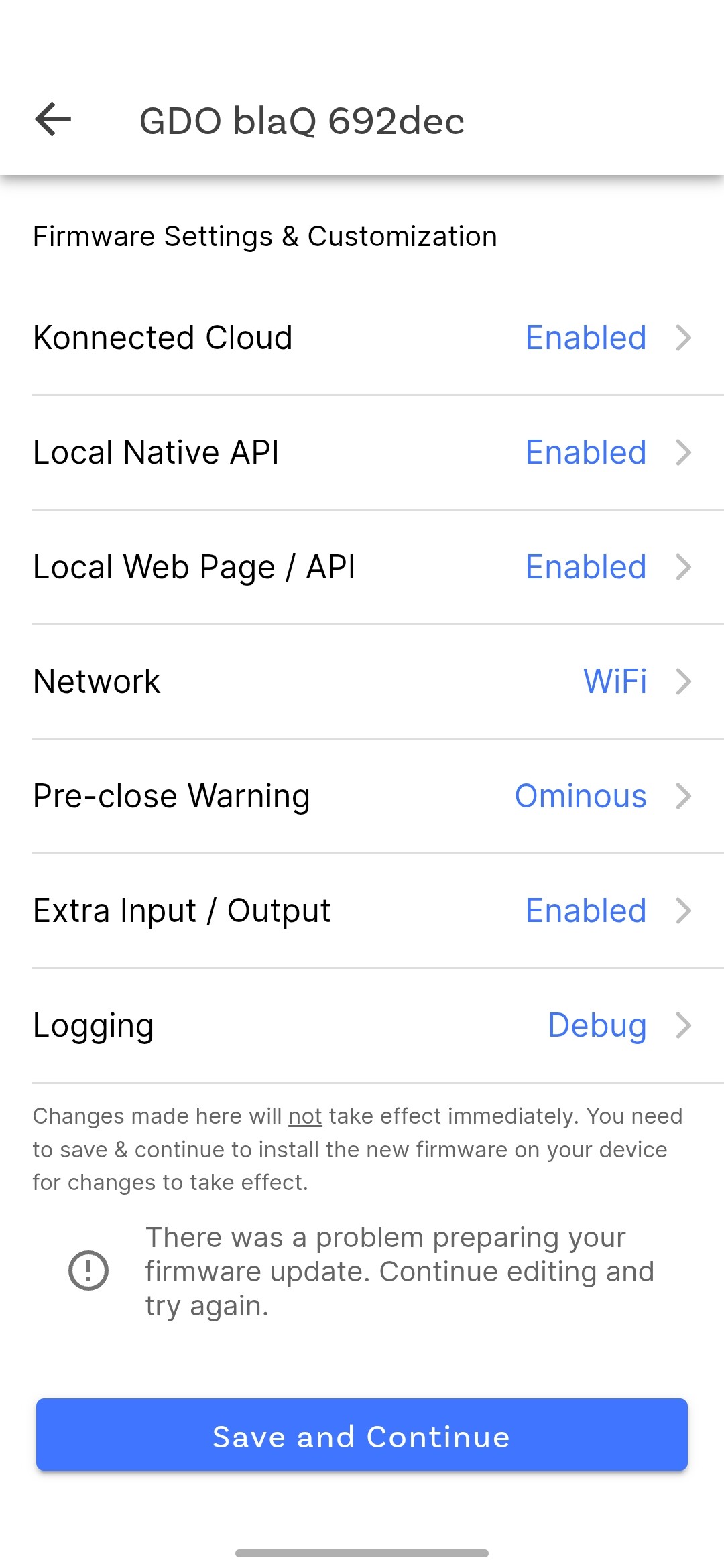
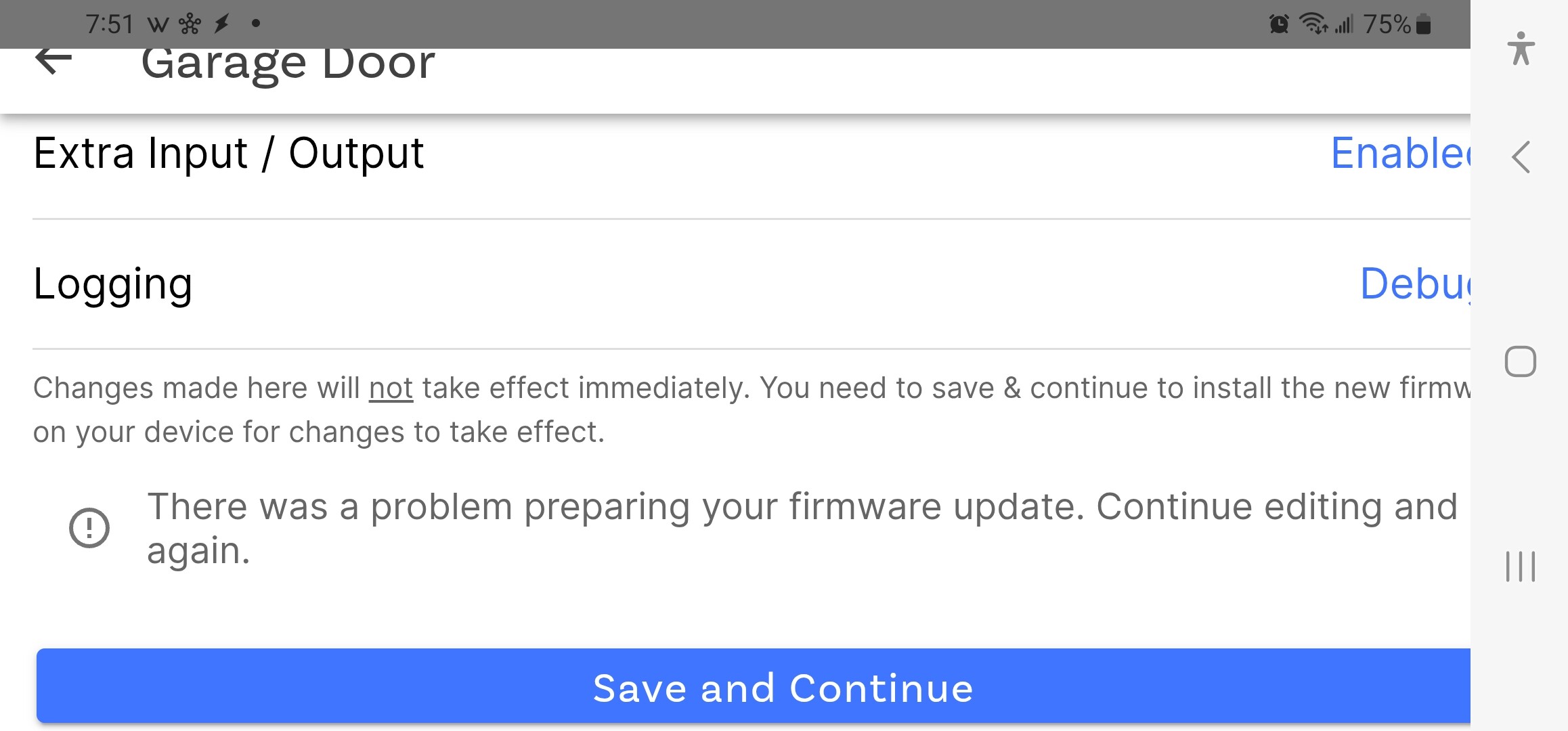
Also, one thing I am noticing on a failed firmware build, after it fails like this I am not able to just simply try again. I have to go ahead and remove the GDO blaQ from SmartThings, then from the Konnected Cloud, and then completely delete it from the Konnected app. Only then can I try again from scratch. When the firmware build fails I am stuck on this screen under Settings in the Konnected app. Where the save button use to be is error message you see all the way at the bottom here. There is no getting rid of it to try again. Even if I make some changes, that error message remains and no save button to try again.
Sorry about this snag. I found the issue with the error on gdo_external_toggle and it should be fixed now next time you re-build.
You shouldn’t have to remove and redo everything to re-run a failed build. After you change something, the Save & Continue button should show up again. Let me know if you’re still having that problem re-running the build in the app and I’ll look more closely into it on your device.
I will try it again, but I will have to remove and redo everything. When I go to the settings page this is still all I see from last time (days ago). I was just waiting to hear back from you before I go through all of that again. If you look at the bottom of this screenshot, that’s all I get. I tried at least force-closing the app, clearing the cache, etc. but that didn’t help.
That’s what I thought it would be, but I cannot scroll down anymore. I see the screen move just a bit up and down when scrolling, but it does not go any further down for me. I have a Samsung Note20 Ultra 5G if that helps any.
So all is good now. I was able to flash the updated firmware and SmartThings picked up automatically on the new Open/Close sensor. It seems to be a Normally Open contact sensor which is perfect for what I wanted to do.
I appear to be having a similar problem with adding a contact sensor to the GDO blaQ. I’m using the blaQ with SmartThings and was able to get it to update the firmware to add the extra sensors 1 and 2. Once configured, it’s not registering the status change for the sensor. I have tried both sensor terminals 1 and 2, and could not get it to change state even when directly jumping a wire between the white terminals and the grey terminals. I’m seeing no change both in SmartThings as well as the webpage read out you can access through the Konnected app. Please let me know what I can share to help troubleshoot this issue.