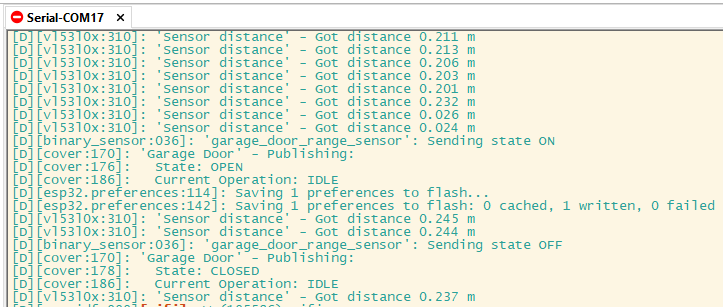
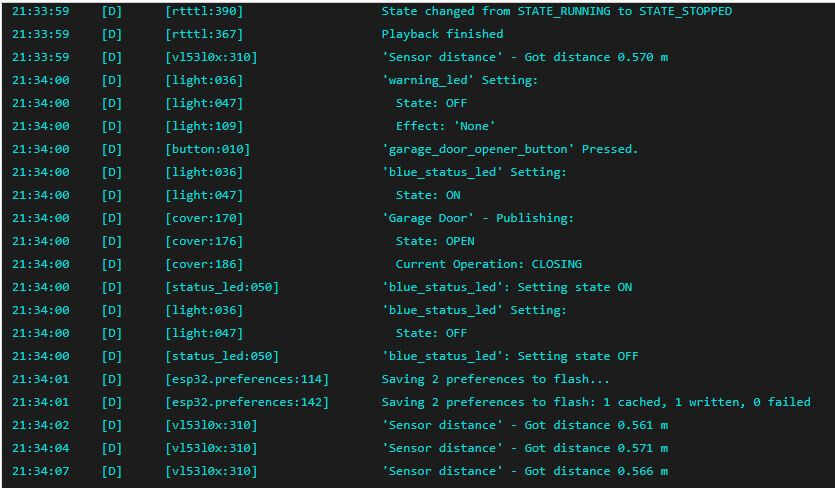
If I tap the open button either in the HA app, HA web UI or the GDO web UI .. it will open. but then it wont close. It says it is closing but the sensor still detects that it is fact has not closed (yes the sensor calibration has been done)
The simplest way to update and manage the device settings/customizations is via the Konnected app. Just download the app, discover the device, then tap Settings on the device screen.
If you want to manage the firmware the DIY way, install the ESPHome Builder add-on into HA.
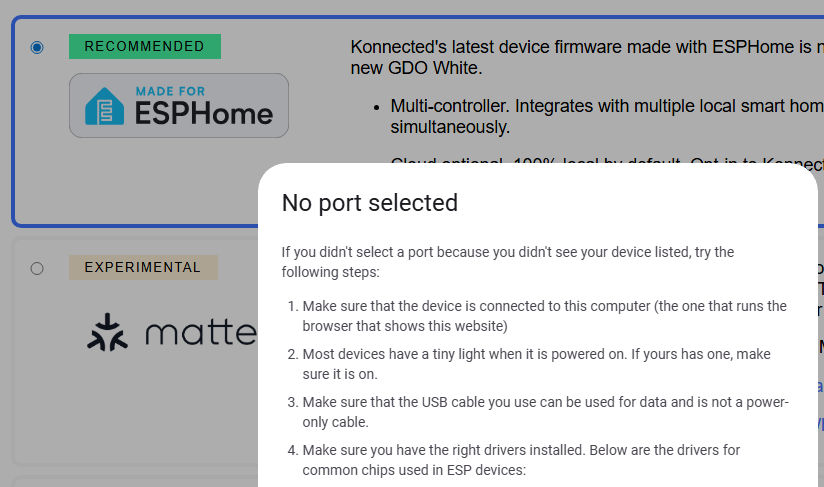
You don’t have to flash it with USB, but if you want to do that, try a different cable and check that the right drivers are installed.
As for why it’s not closing – not sure. What type of garage opener is it? Can we see a photo of the back of it with wiring?
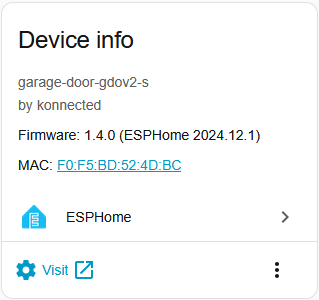
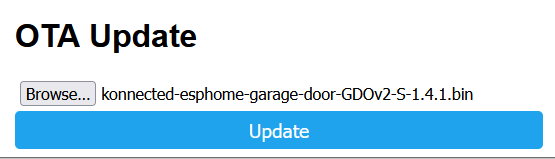
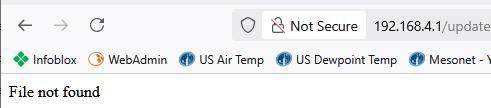
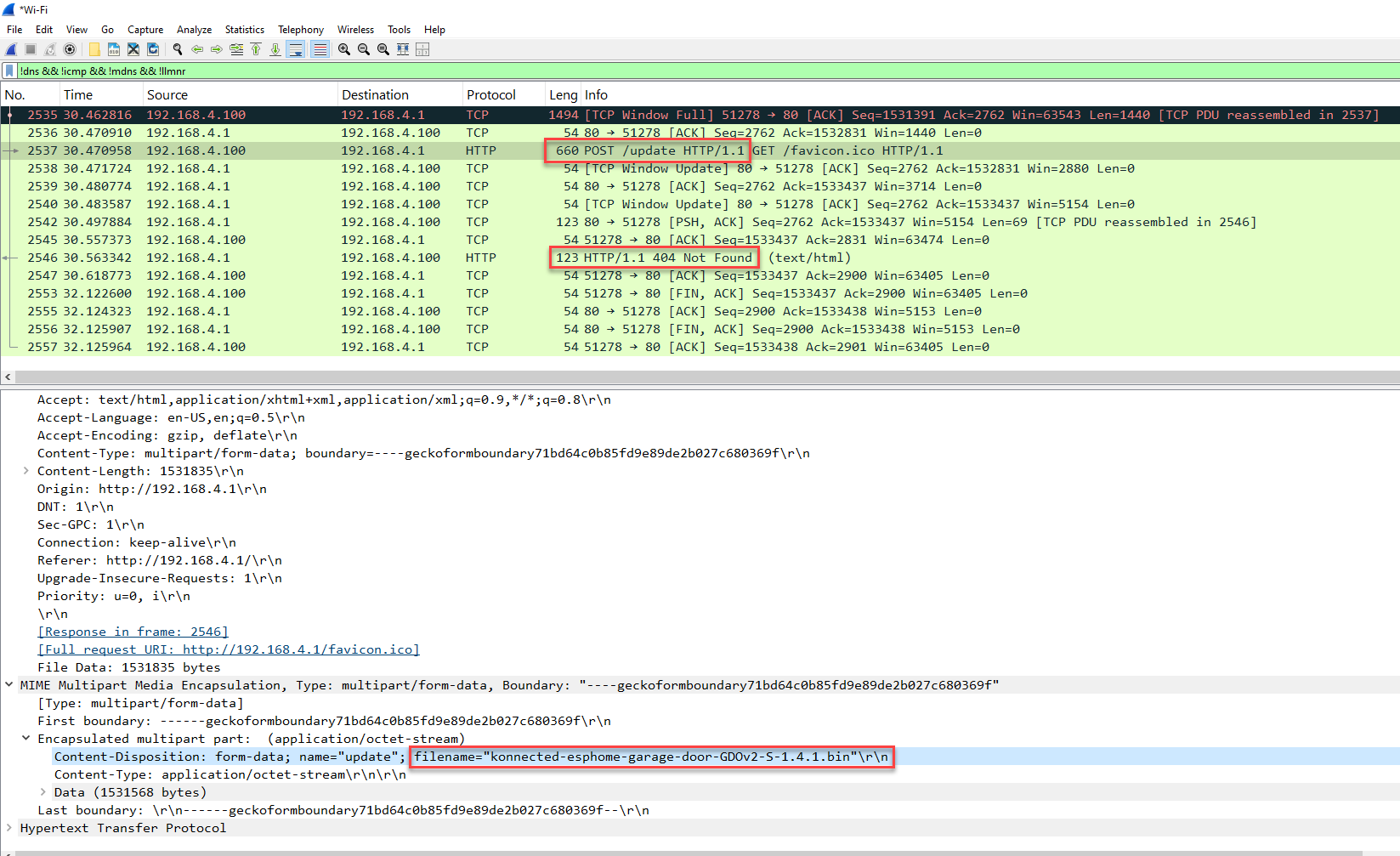
OTA update via the web page didn’t work in earlier versions of the ESPHome firmware. It was fixed more recently, I think in ESPHome 2025.7. It looks like your firmware is on 2024.12 so that explains why the web OTA update isn’t working on this device.
I still suggest using the Konnected app to build and update a new firmware. The “generic” build works – but there are more settings and features you can enable when you customize the build.
So the solution ended up being, sadly, the default windows driver and Chrome on Windows 11.
Once I connected the GDO to a computer running 11 “install.konnected.io” was able to access it and wanted me to choose a com port. From there the firmware flashing was seamless:
On the Windows 10 LTSC computer the official Silicon Labs driver would not start. Although the default Windows driver would allow SecureCRT to access the com port Edge or Librewolf would not.
Perhaps Chrome would have connected but I did not want to install it.