@Nate, this is continuation of this thread from the Hubitat community last week. I am starting a new thread here at your request.
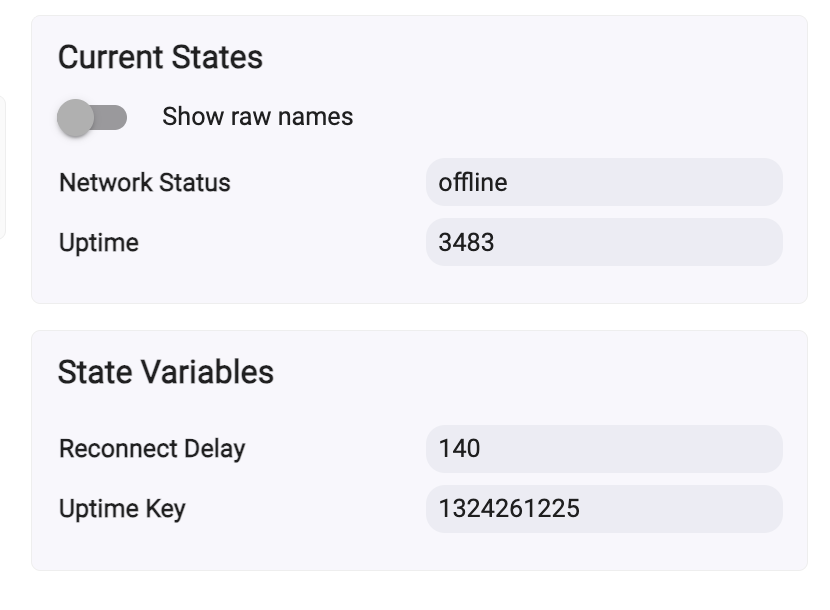
Having reverted to legacy last week, I started with a blank sheet and tried again. Unfortunately I couldn’t even get back to where I hit a wall last time. Now, when I create the virtual device in Hubitat I get “Connecting” as the network status, but it never goes online and ultimately resolved to “Offline”
Here was my process (and honestly, I have repeated this dozens of times over many hours and hours, so it’s entirely possible I am doing something stupid):
- Factory reset the Pro board
- Flashed espHome using install.konnected.io (the Pro board I am working with currently is a v1.8 fwiw)
- Went to Konnected mobile app, added device, configured zones, enabling Local Native API and Local Web Page/API.
- Built firmware
- Updated firmware
- Waited for device to come back online
- In Hubitat, created virtual device
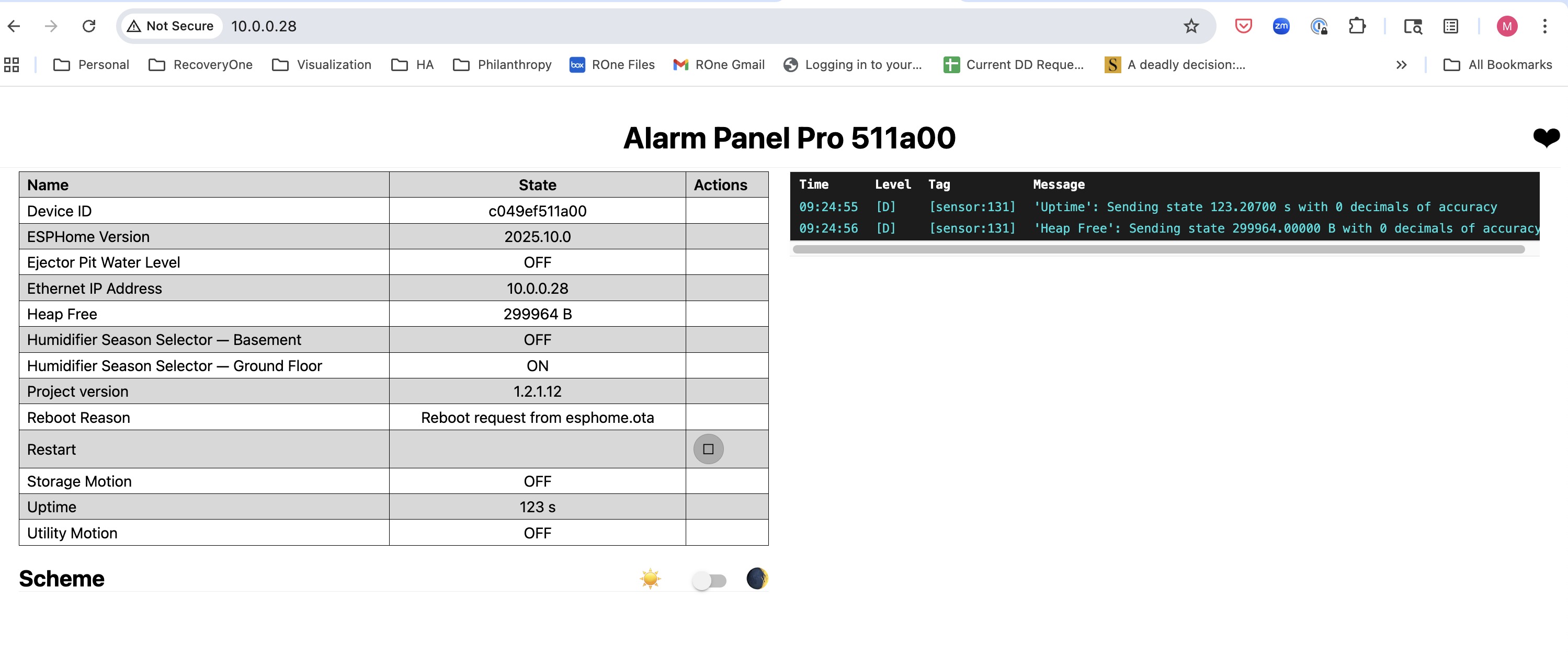
- Added IP address in Preference tab (can confirm the board is connected to network via ethernet as my router (Unifi) says so, plus I’m able to put the board’s IP address in my browser and pull up the Konnected status page, per below)
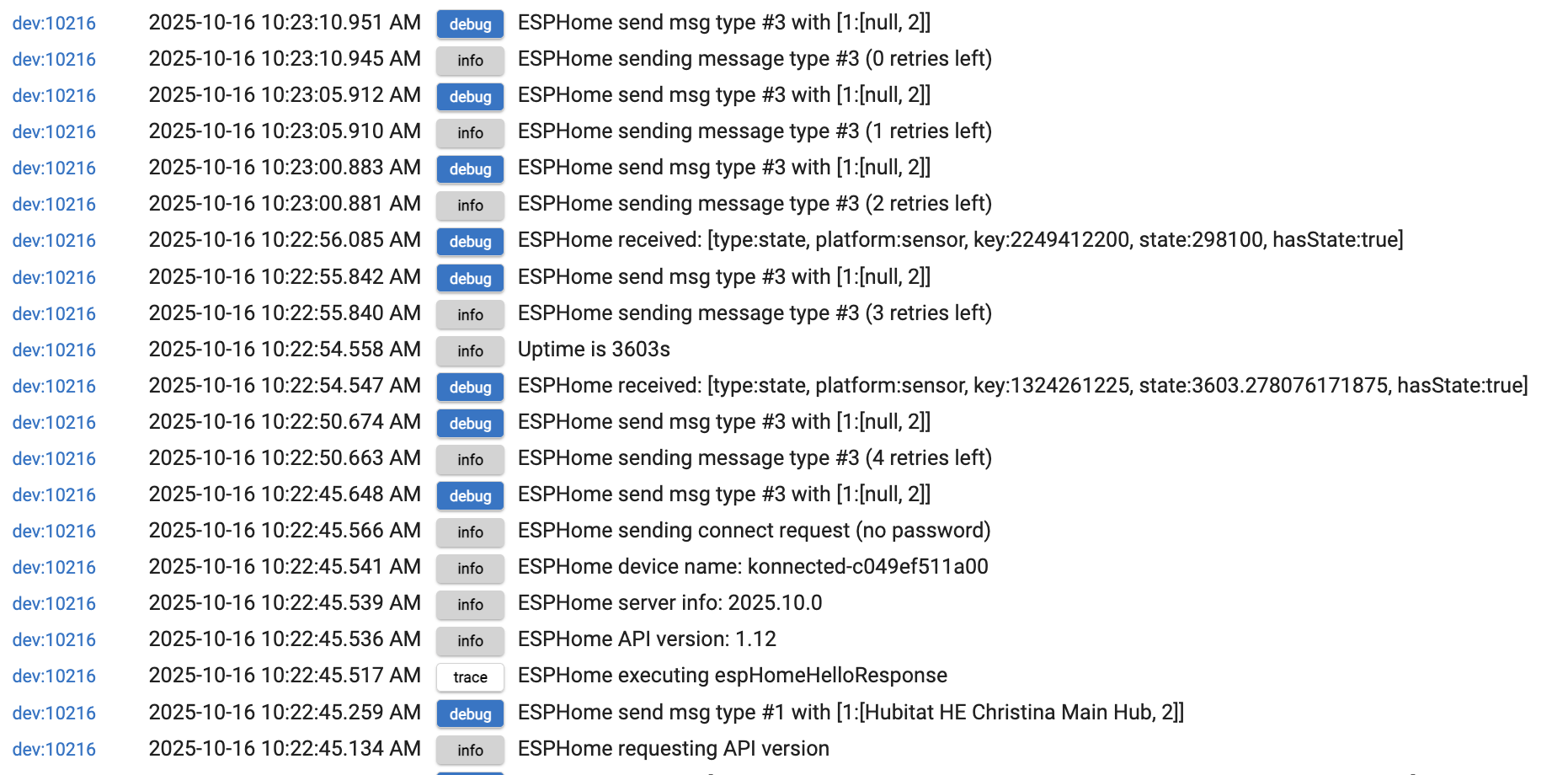
- After saving the IP address, I go to the Commands tab and hit initialize. This is where I get stuck repeatedly. Hubitat logs report failed attempt to connect.
Interestingly, the child devices do show up and seem to even work now, but the parent device continues to indicate offline. So strange.
Hubitat Logs Showing Failed Connection Attempts
– Nate, your forum won’t allow me to add media to my posts –
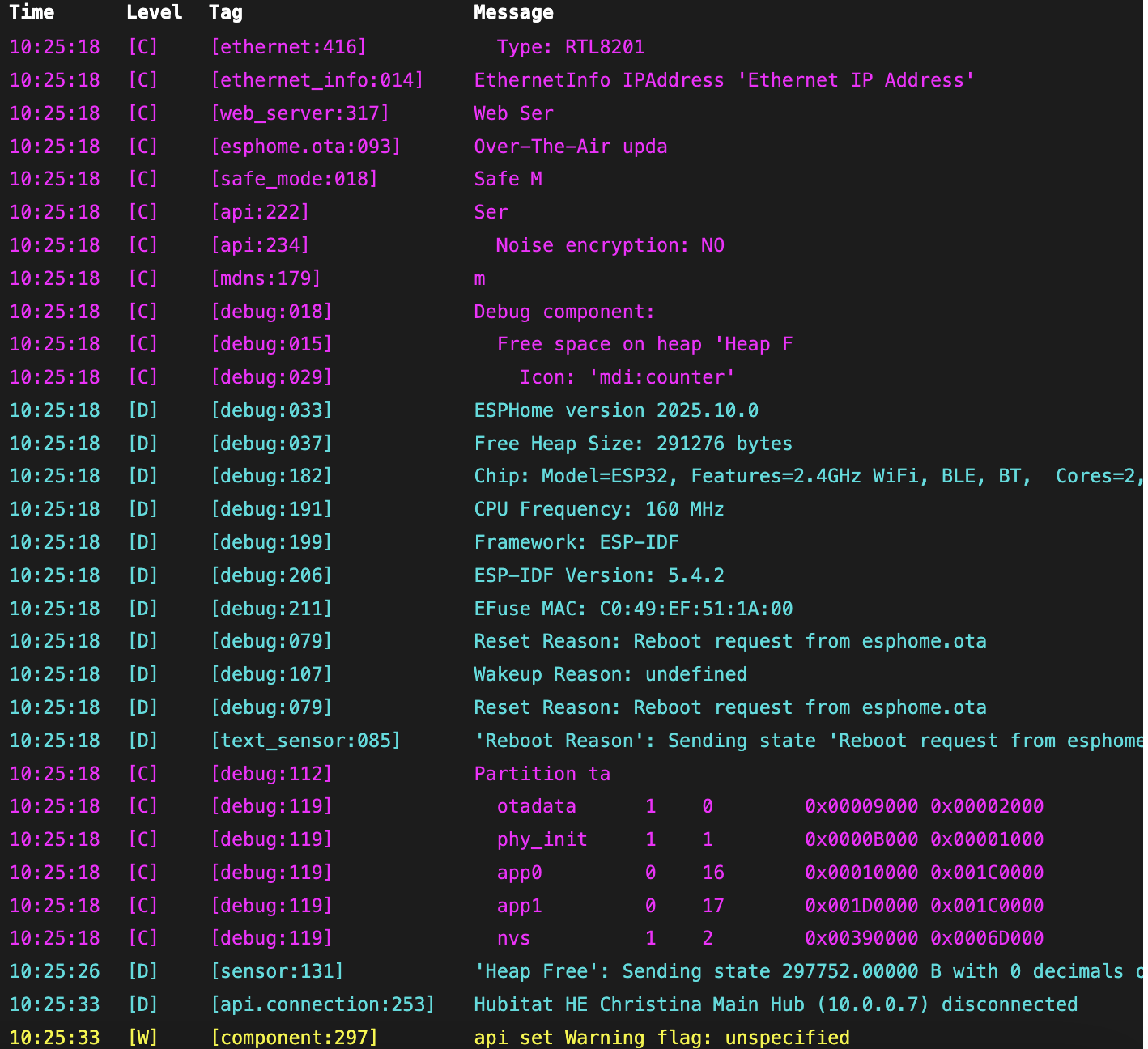
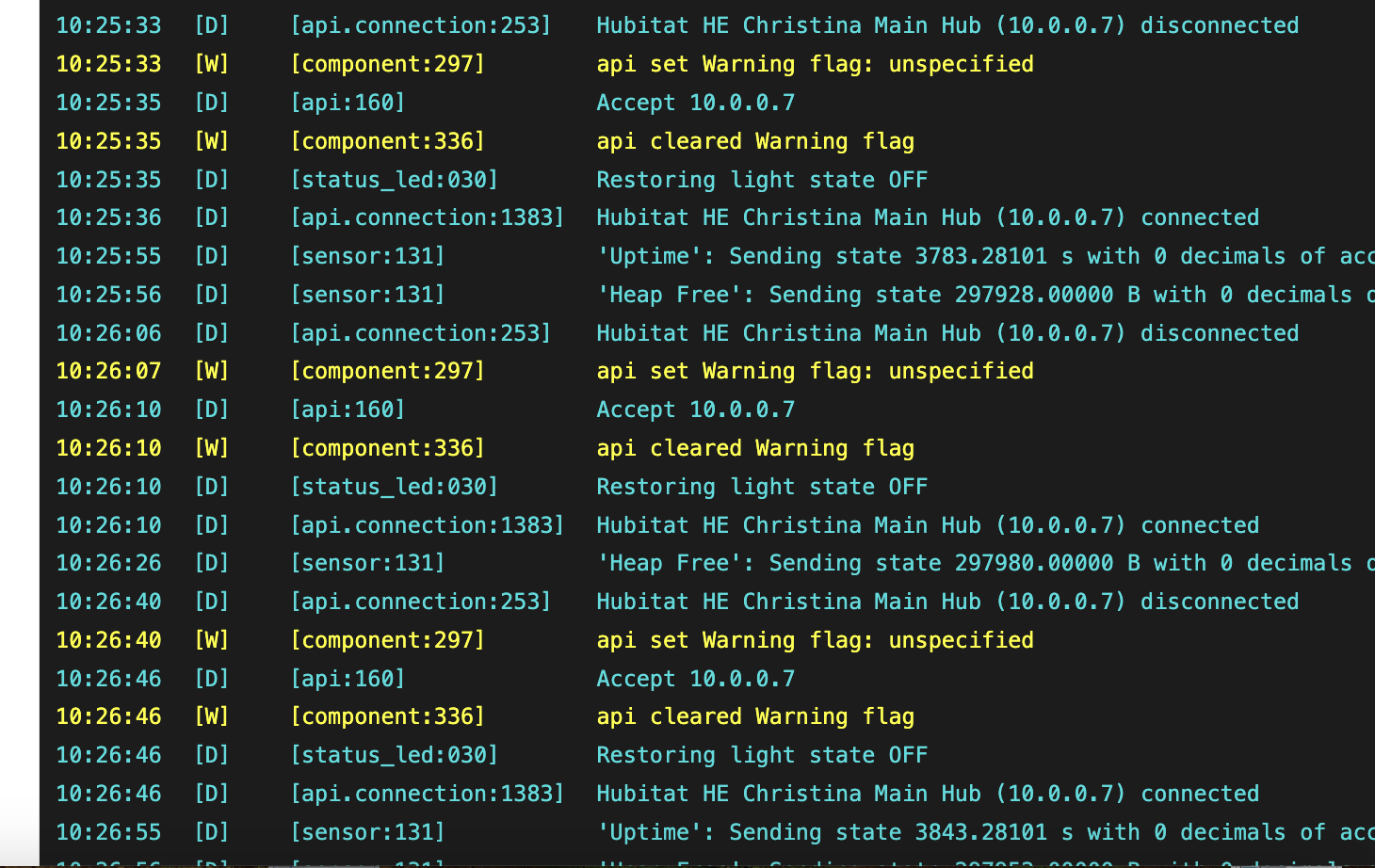
And here's the log from the Konnected Status Page when I produced a couple random events
ime Level Tag Message
09:50:59 [D] [debug:191]
CPU Frequency: 160 MHz
09:50:59 [D] [debug:199]
Framework: ESP-IDF
09:50:59 [D] [debug:206]
ESP-IDF Version: 5.4.2
09:50:59 [D] [debug:211]
EFuse MAC: C0:49:EF:51:1A:00
09:50:59 [D] [debug:079]
Reset Reason: Reboot request from esphome.ota
09:50:59 [D] [debug:107]
Wakeup Reason: undefined
09:50:59 [D] [debug:079]
Reset Reason: Reboot request from esphome.ota
09:50:59 [D] [text_sensor:085]
‘Reboot Reason’: Sending state ‘Reboot request from esphome.ota’
09:50:59 [C] [debug:112]
Partition ta
09:50:59 [C] [debug:119]
otadata 1 0 0x00009000 0x00002000
09:50:59 [C] [debug:119]
phy_init 1 1 0x0000B000 0x00001000
09:50:59 [C] [debug:119]
app0 0 16 0x00010000 0x001C0000
09:50:59 [C] [debug:119]
app1 0 17 0x001D0000 0x001C0000
09:50:59 [C] [debug:119]
nvs 1 2 0x00390000 0x0006D000
09:51:19 [D] [api.connection:253]
Hubitat HE Christina Main Hub (10.0.0.7) disconnected
09:51:19 [W] [component:297]
api set Warning flag: unspecified
09:51:22 [D] [api:160]
Accept 10.0.0.7
09:51:22 [W] [component:336]
api cleared Warning flag
09:51:22 [D] [status_led:030]
Restoring light state OFF
09:51:22 [D] [api.connection:1383]
Hubitat HE Christina Main Hub (10.0.0.7) connected
09:51:26 [D] [sensor:131]
‘Heap Free’: Sending state 298116.00000 B with 0 decimals of accuracy
09:51:38 [D] [light:089]
‘blue_status_led’ Setting:
09:51:38 [D] [light:102]
State: ON
09:51:38 [D] [binary_sensor:039]
‘Utility Motion’: New state is ON
09:51:38 [D] [status_led:050]
‘blue_status_led’: Setting state ON
09:51:38 [D] [light:089]
‘blue_status_led’ Setting:
09:51:38 [D] [light:102]
State: OFF
09:51:38 [D] [status_led:050]
‘blue_status_led’: Setting state OFF
09:51:44 [D] [light:089]
‘blue_status_led’ Setting:
09:51:44 [D] [light:102]
State: ON
09:51:44 [D] [binary_sensor:039]
‘Utility Motion’: New state is OFF
09:51:44 [D] [status_led:050]
‘blue_status_led’: Setting state ON
09:51:44 [D] [light:089]
‘blue_status_led’ Setting:
09:51:44 [D] [light:102]
State: OFF
09:51:44 [D] [status_led:050]
‘blue_status_led’: Setting state OFF
09:51:53 [D] [api.connection:253]
Hubitat HE Christina Main Hub (10.0.0.7) disconnected
09:51:53 [W] [component:297]
api set Warning flag: unspecified
09:51:55 [D] [sensor:131]
‘Uptime’: Sending state 1743.24304 s with 0 decimals of accuracy
09:51:56 [D] [api:160]
Accept 10.0.0.7
09:51:56 [W] [component:336]
api cleared Warning flag
09:51:56 [D] [status_led:030]
Restoring light state OFF
09:51:56 [D] [api.connection:1383]
Hubitat HE Christina Main Hub (10.0.0.7) connected
09:51:56 [D] [sensor:131]
‘Heap Free’: Sending state 298116.00000 B with 0 decimals of accuracy
09:52:26 [D] [sensor:131]
‘Heap Free’: Sending state 298116.00000 B with 0 decimals of accuracy
09:52:27 [D] [api.connection:253]
Hubitat HE Christina Main Hub (10.0.0.7) disconnected
09:52:27 [W] [component:297]
api set Warning flag: unspecified
09:52:32 [D] [api:160]
Accept 10.0.0.7
09:52:32 [W] [component:336]
api cleared Warning flag
09:52:32 [D] [status_led:030]
Restoring light state OFF
09:52:32 [D] [api.connection:1383]
Hubitat HE Christina Main Hub (10.0.0.7) connected