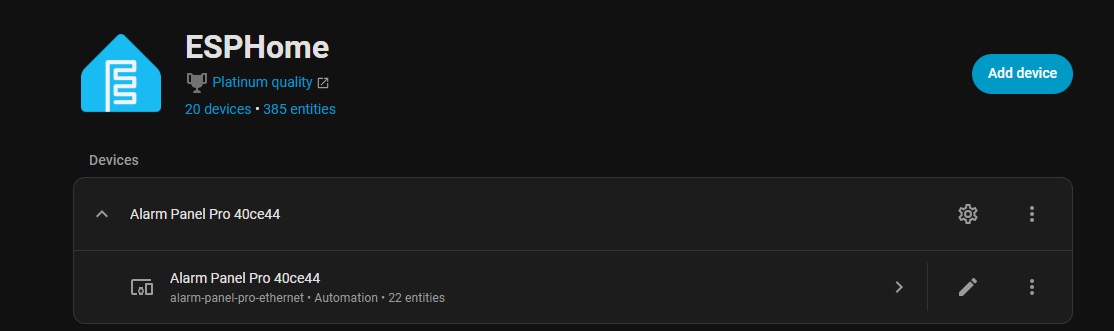
I’m moving from ST integration with 4 Konnected boards to 1 Alarm Panel Pro native in HomeAssistant.
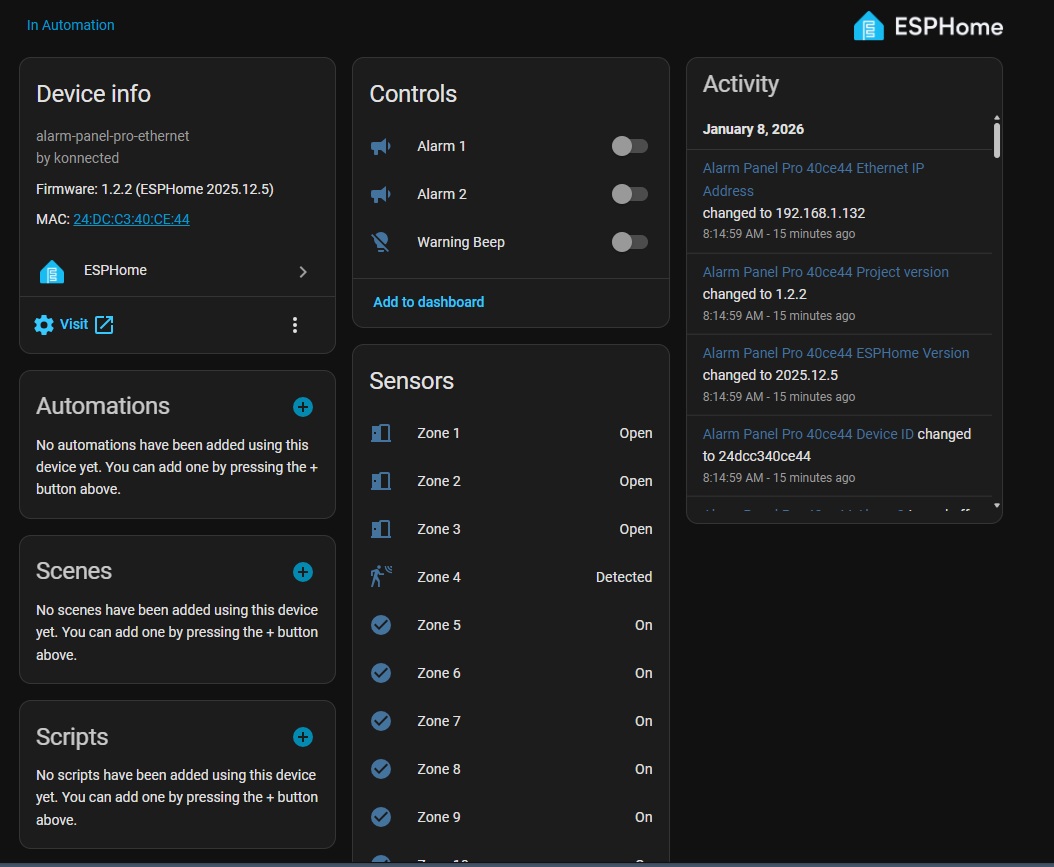
I’ve been able to flash it with wired firmware and see the device in ESPHOME, but I can’t for the life of me find the configuration links to change zones types and such. The zone changes below are just “view as” changes as HA lets you change.
Discover the device in the Konnected app, tap Settings, and manage the zones/settings there. This will build a new firmware with your zone customizations that you can then apply to the device via the Konnected app.
Interesting. I guess I missed that in the doco (rush to migrate).
I’m glad to see that that capability is there.
Still not sure if I like this over Konnected→Cloud→Smartthings→HA as I had a heavy investment in SmartThings and ActionTiles
The cool thing is that with our new ESPHome firmware you can have both! Konnected → HA (100% locally) and Konnected → Cloud → ST at the same time. Just be sure to enable Konnected Cloud and Local Native API in the device settings and it’ll just work.
Yes, on/off typically. When setting up the standalone alarm feature and setting the siren response, you can specify options to pulse or automatically turn off there.
Kool. So I was able to rename my zones, invert a couple of door sensors, enable the built in alarm, etc. That works a treat. Have made changes 4 or 5 time. It did bark once or twice to restart the Konnected phone app to be able to apply update. Not a biggie.
I don’t have my one APP in cloud.
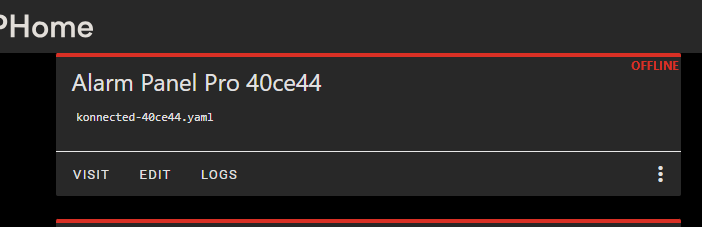
And I notice now that the device that was discovered in ESPHome, is no longer online after I made edits with the Konnected app to its build. That seems odd from what I think I understand.
This is expected.
You can’t have two systems managing the firmware configuration, so once you customize it in the Konnected app it’s no longer discoverable in ESPHome builder.
You don’t need ESPHome builder for regular operation (the ESPHome integration is a separate thing built in to HA).