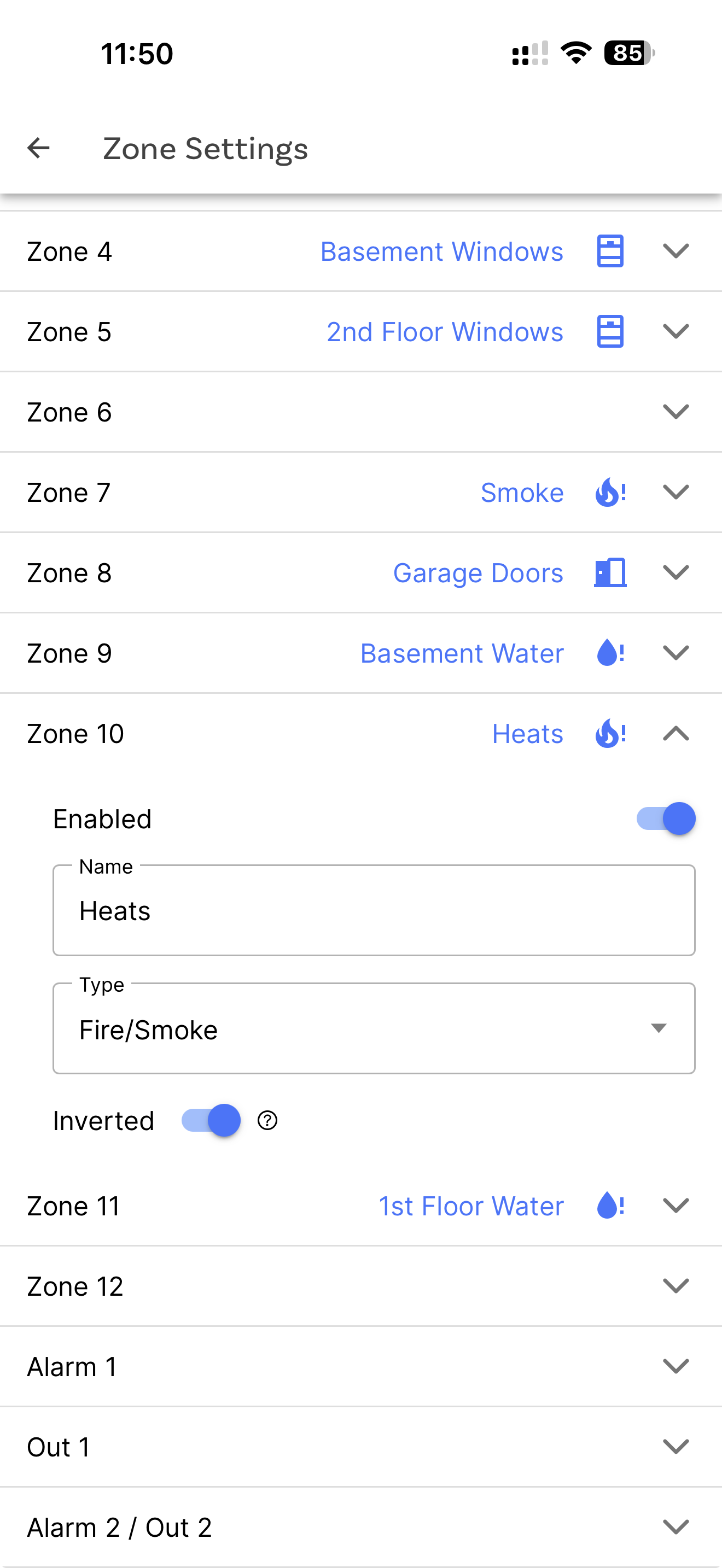
I just upgraded my Konnected Alarm Panel Pro from the legacy firmware to the ESPHome firmware. A number of my zones were set to inverted, so I applied the same settings when setting up the new zones. However, the Inverted toggle switch doesn’t seem to do anything. Each time I save and have the new firmware applied, but there’s no change in the state.
Am I missing something or is this a bug?
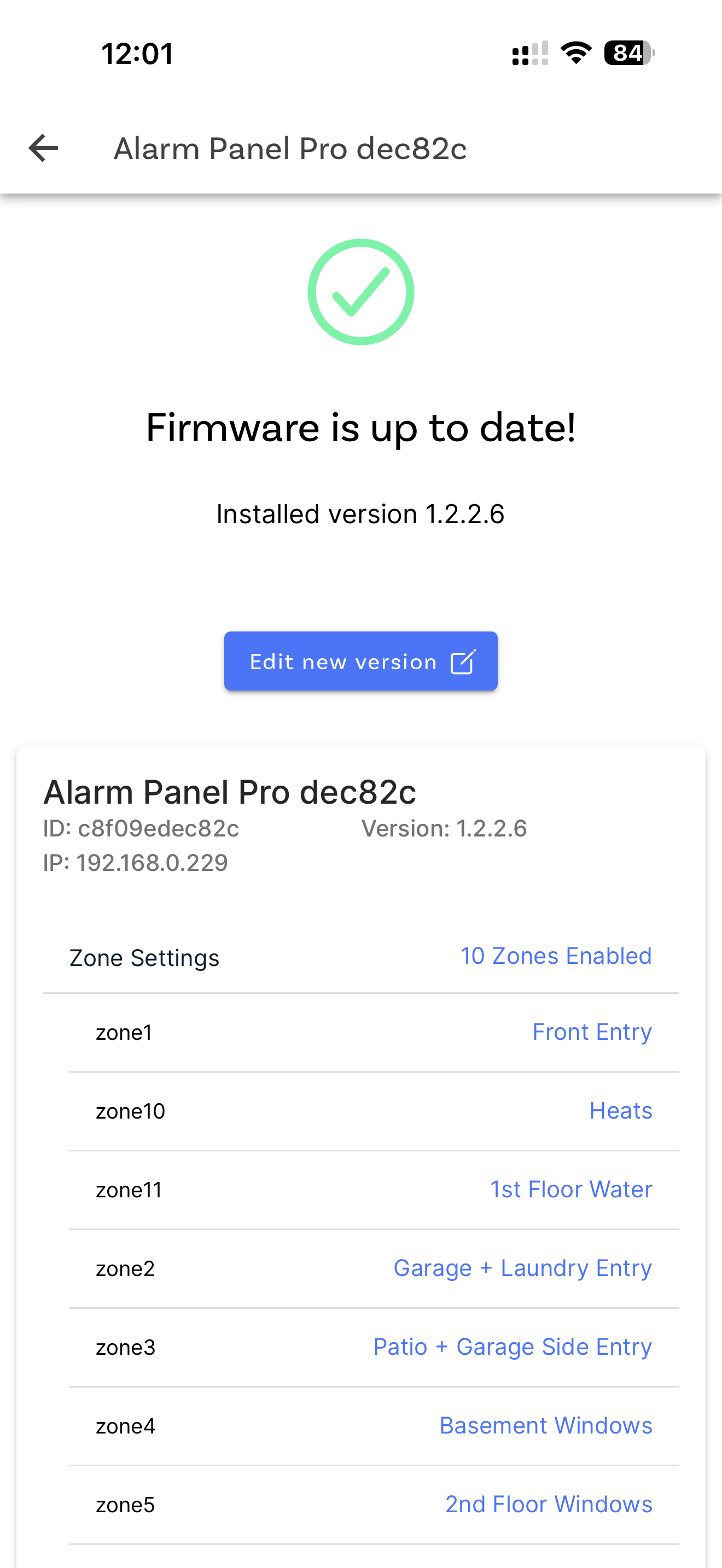
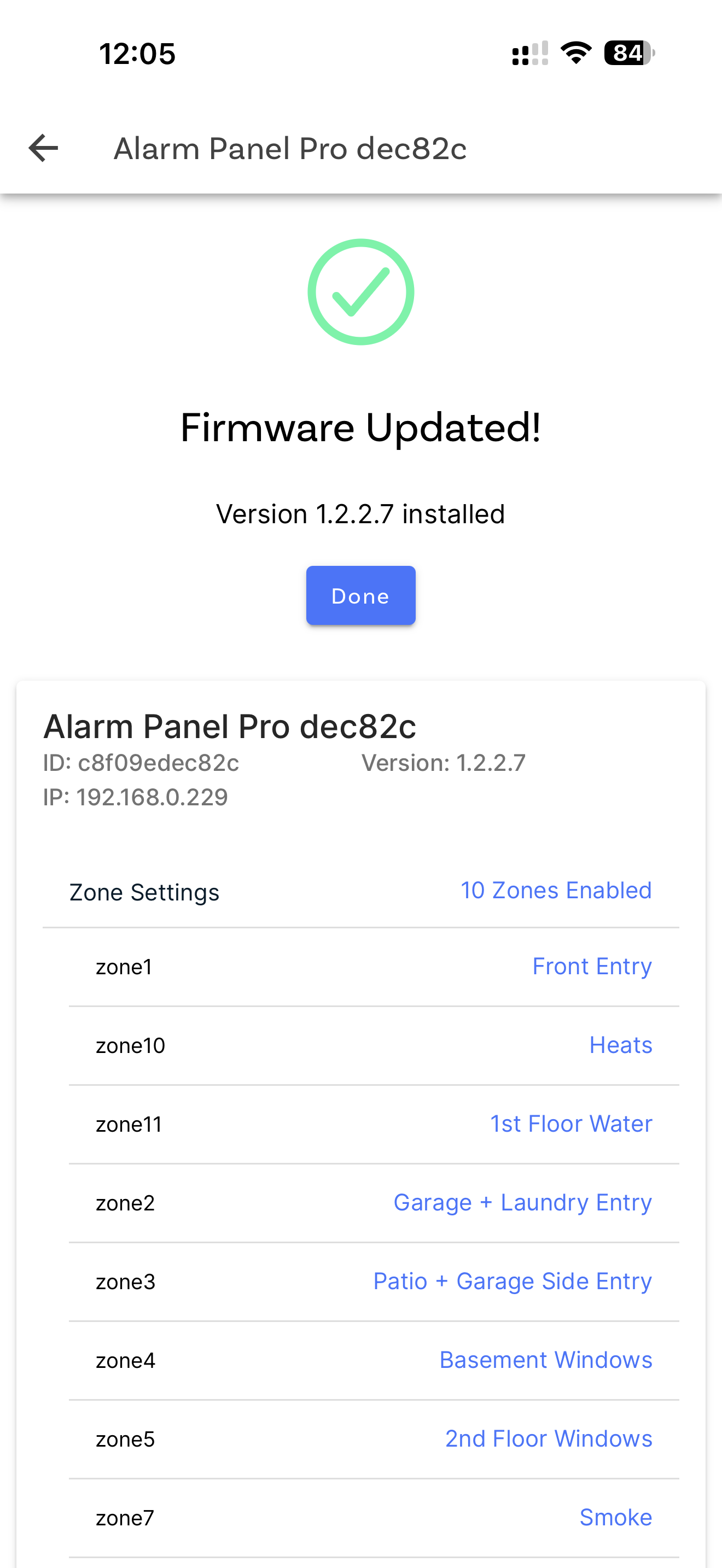
Ahh, I see the issue! It’s actually with the app. When you go to save the new firmware and it builds, the button to “Update Now” only shows for a bit or it’s buggy. If you miss that button, the firmware isn’t actually applied it seems. Instead, you get a message that the “Firmware Updated!” but it did not, in fact, update.
I was sitting there and noticed the install now button popped up, hit it, the device rebooted, and inverted is working. Every other time I saved and rebuilt, I came back and the top message said the firmware was already installed but it was not.
If I kill the app and restart and go back to that settings screen, I see the button to “Update Now”
So, seems like the settings screen in the mobile app to apply the firmware is the issue here.
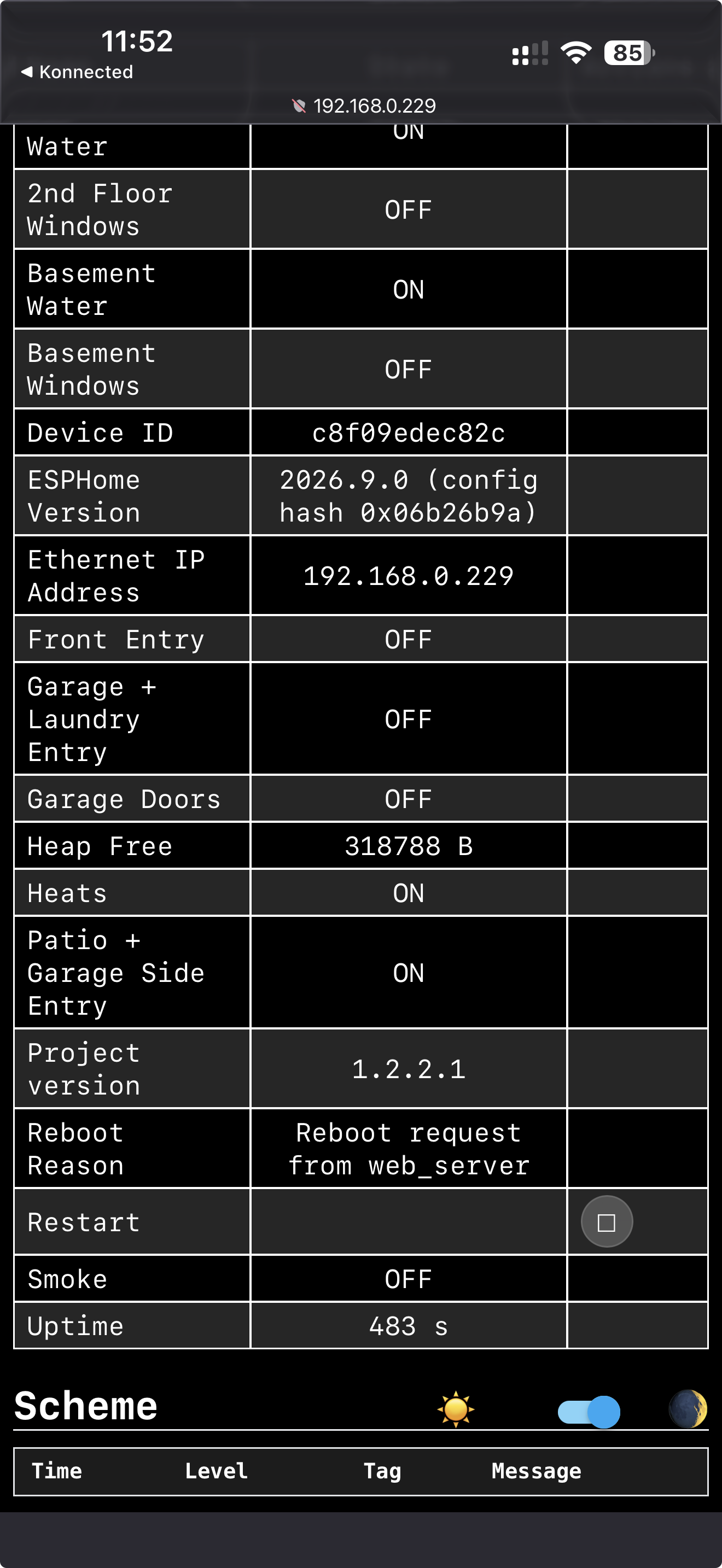
Correct state after seeing the Update Now button and hitting it:
Incorrect state (screenshot coming shortly):